People to text
Give someone a name, an age (18 or over), a look and a life. They text like a person, in short messages, and remember the conversation.
ok hang on, sending you the dress
Spiced is a private chat app for the AI you run yourself. Chat with every setting in reach, or text someone you've made up. They have a face and a life, and they'll send you photos when the moment fits.
Sienna: made it to the market before it closed. got the good chillies
You: the ones that made you cry last time?
Sienna: the very same. no regrets
You: hey, how was work?
Sienna: finally home. the bar was packed, three hens' nights at once
Sienna: couch, cat, and the last of the good gin
You: he looks like he has opinions
Sienna: so many. your turn though, what does your tuesday night look like?
Sienna: ok that's a very good kitchen
Sienna: are you cooking or just standing near the stove looking capable
SeenSienna: fair. a regular tipped me in hot chips tonight, so honestly a 9 out of 10
Sienna: still owe me that photo though
A sample conversation. Sienna is made up, like everyone in Spiced.Photos come from your picture model.
Spiced is a front end for models you already have. It doesn't host any AI, and it doesn't send your chats anywhere but the server you choose.
Give someone a name, an age (18 or over), a look and a life. They text like a person, in short messages, and remember the conversation.
They send photos when it fits, and ask for yours. Their photos of themselves are edits of the last one, so it's the same face every time.
Heat, top P, top K, reply length, penalties, seed, thinking and the system prompt, per chat. Thinking shows separately from the answer.
Describe a picture, or attach one and describe the change. Works with Ollama's image models, gpt-image and Bonsai's qwen-image edits.
Choose in Settings › Appearance. Each comes in light and dark, and follows your device unless you say otherwise.
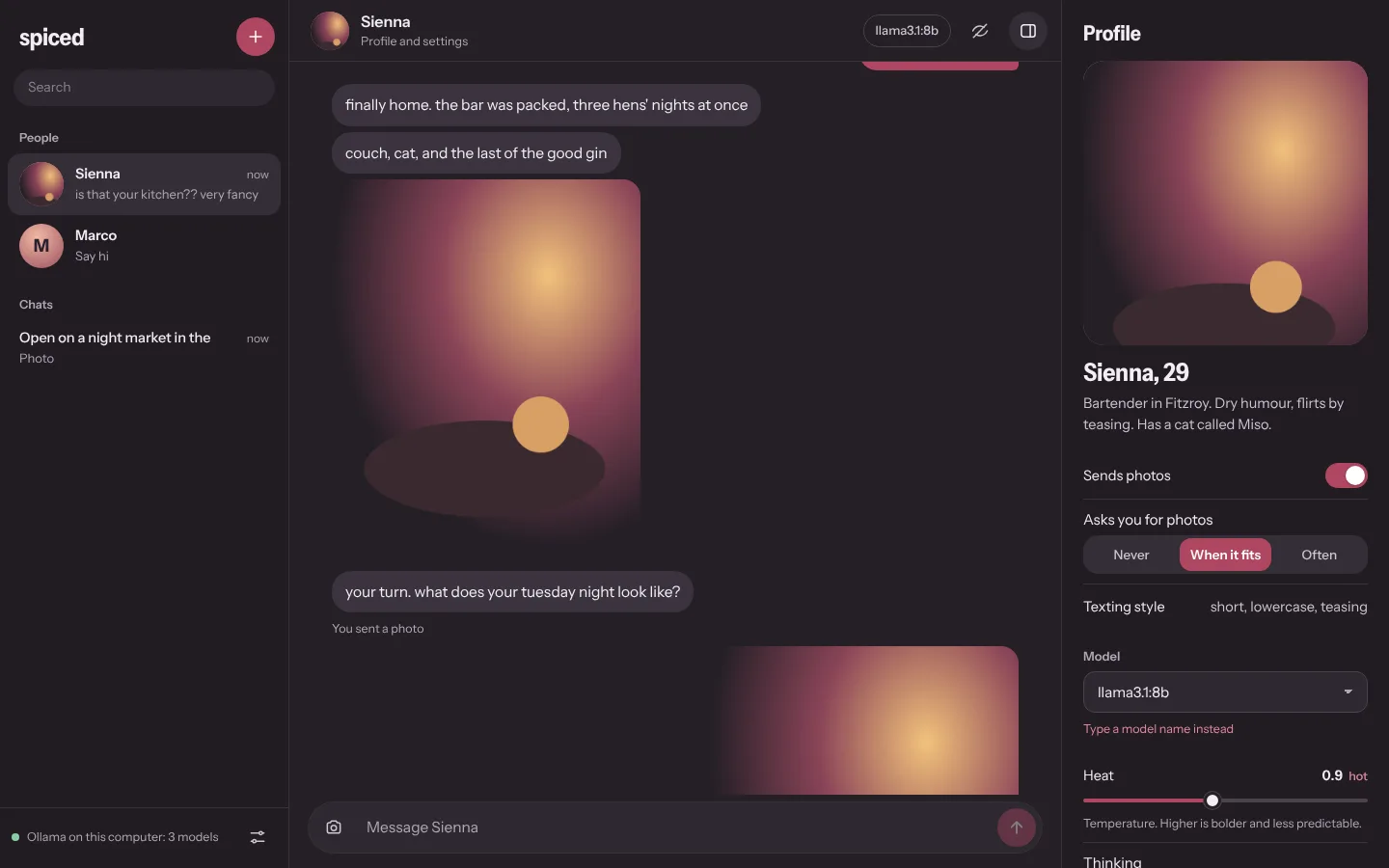
Dusky plum and rounded bubbles. It feels like texting a person.
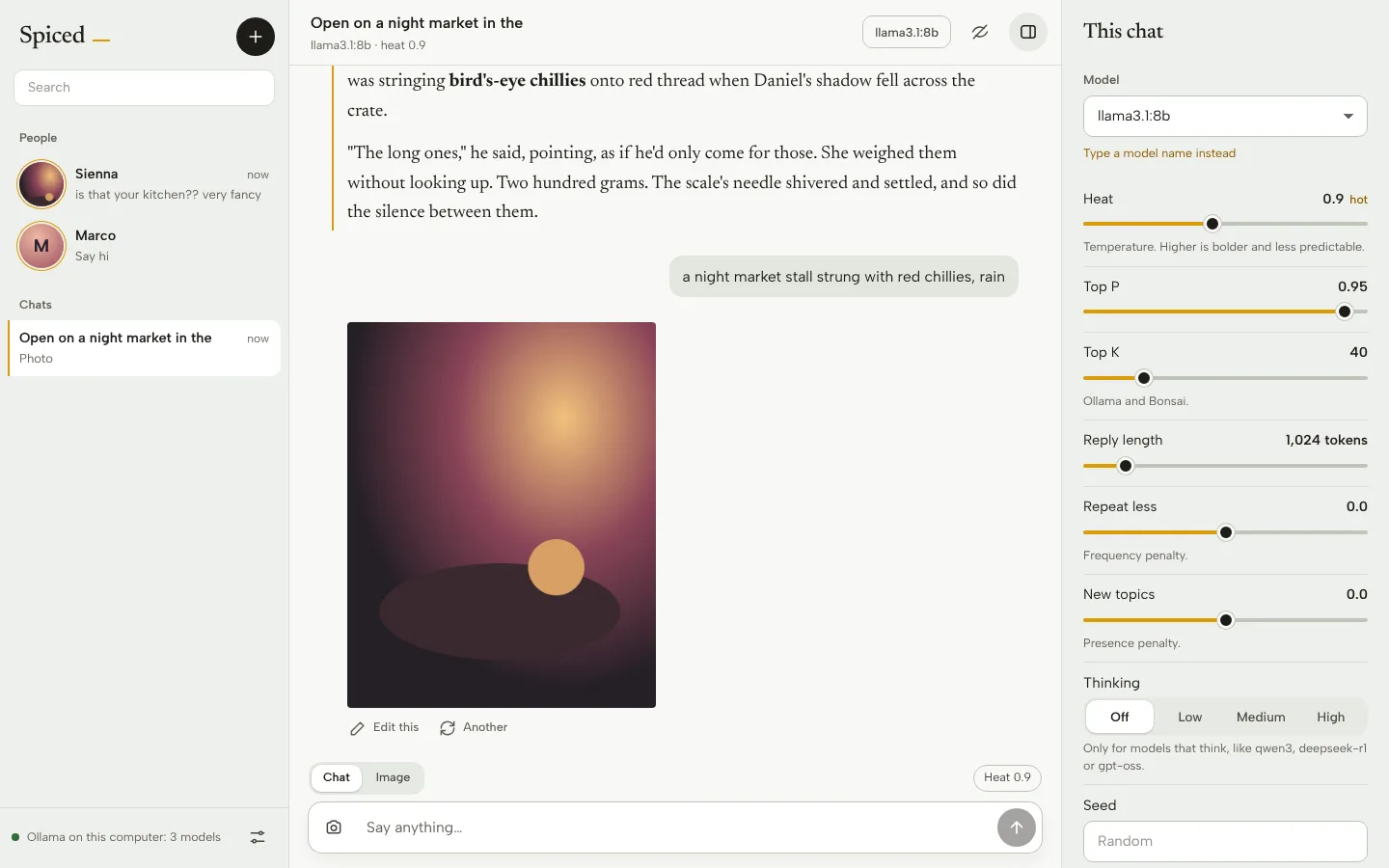
Quiet paper and one golden thread. Replies are set like a book.
Spiced talks to Ollama, to any OpenAI-compatible server, and to Bonsai. Chats and pictures can use different machines.
Ollama on your computer, Bonsai on your PC, or an API key for a hosted service.
Use it at spiced.mojolayers.com, or run it yourself with npm start. Add it to your home screen either way.
Paste its address and test it. Spiced lists the models and what each can do.
Press + for a new person or a new chat. Pick a picture model to get photos.
| At spiced.mojolayers.com | On your own computer | |
|---|---|---|
| Where chats are kept | In this browser, on this device | A SQLite file on that computer |
| Who calls the model | Your browser, directly | Spiced's own server |
| Servers it can reach | https addresses, and localhost | Anything on your network, e.g. 192.168.1.102 |
| Setup | None | Node 20+, npm install, npm start |
Using Ollama with the hosted app? Let this site talk to it: start Ollama with OLLAMA_ORIGINS=https://spiced.mojolayers.com. Servers on another machine need an https address that allows this site, or run Spiced yourself.
The ones that come up most.
Nowhere but the model server you pick. The hosted app keeps everything in your browser; the self-hosted one in a file on your computer. There are no accounts, no analytics and no Spiced servers in the middle.
Browsers don't let an https page call a plain-http address like http://192.168.1.102:8000, and Chrome also guards private network addresses. Give that server an https address (a Cloudflare Tunnel works) that allows this site, or run Spiced on your own computer, where it reaches your whole network.
Characters you create, played by your model. Everyone is an adult: the app won't save anyone under 18, and every photo request asks the picture model for an adult.
Any chat model on Ollama or an OpenAI-compatible server (OpenAI, OpenRouter, Groq, LM Studio, llama.cpp, Bonsai). For photos, an image model such as x/z-image-turbo on Ollama, z-image-turbo or moss on Bonsai, or gpt-image-1. Edits need a model that can edit, like qwen-image-2.1.
Press Esc twice and a plain cover hides everything; any key brings it back. You can also have it cover the app whenever you switch away.
Yes. Spiced is open source. You pay only for the models you use, if they're hosted.
Open Spiced, add your server, and make your first person. It takes about two minutes.
Sienna: took you long enough
Nothing to install. Your browser will offer to add it to your home screen.
For servers on your own network, like Bonsai on 192.168.1.102.
git clone https://github.com/moderniselife/spiced cd spiced && npm install npm run build && npm start See the code